5 min to read
Sprint 2 Development Note
Development Note for Project Prism
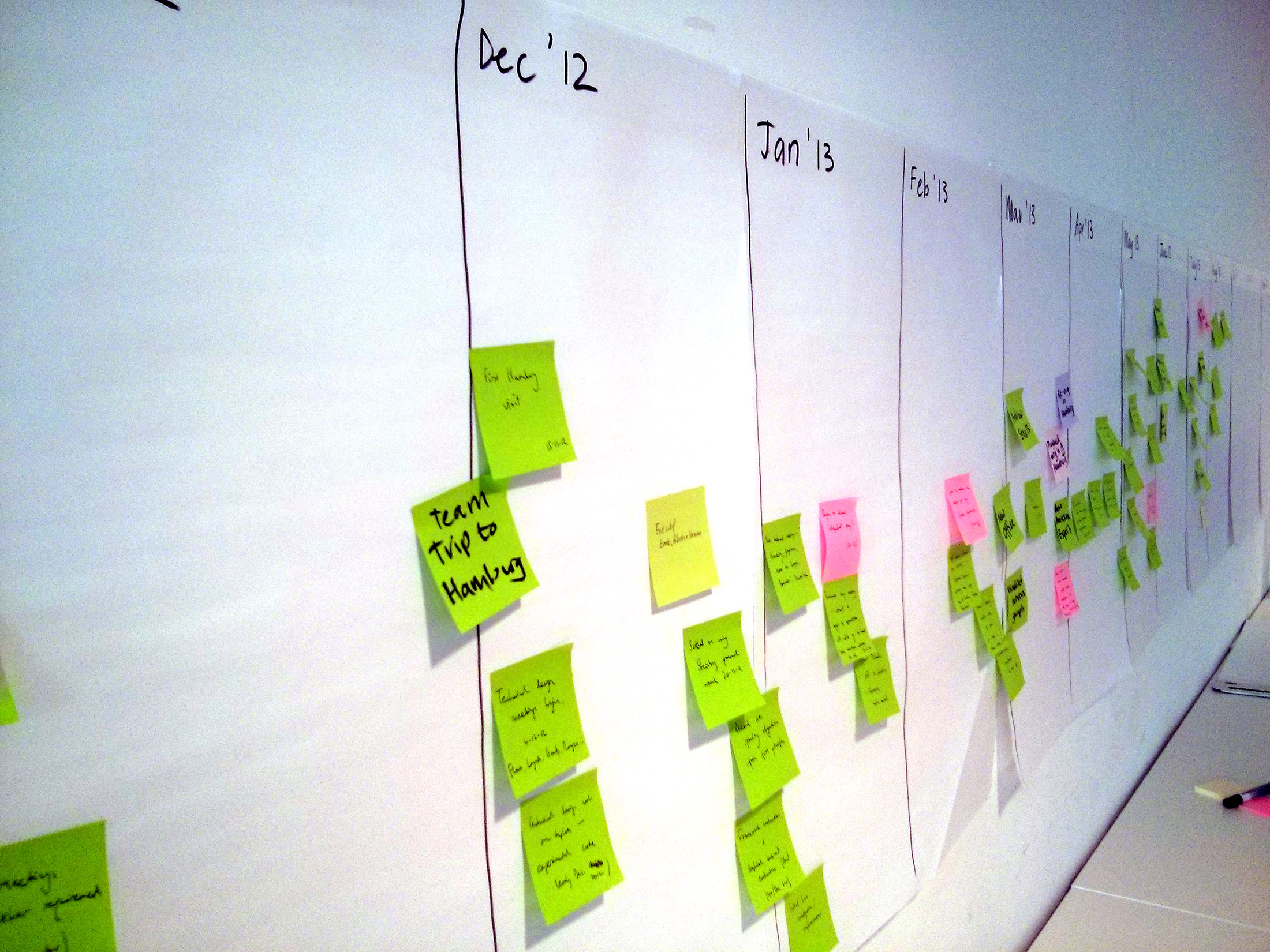
It’s already the second sprint of our development journey. Let’s dive into the progress we’ve made and the goals we aim to achieve in the upcoming sprint.
New Team Members
We are excited to introduce our new team members!
Joohyung Kim
- Role: Founder / Market Research Specialist
- Education: Denison University ‘26
- Major: Economics
- Strengths: Market Research, Business Development
Taemin Lee
- Role: Frontend Developer
- Education: Denison University ‘27
- Major: Computer Science
- Strengths: JavaScript, Frontend Development
We are thrilled to go on this journey with our amazing team!
Backend Progress
It was a productive week for backend development, with significant progress made.
1. Infrastructure as Code (IaC)
- Created Terraform configurations for the frontend to set up S3 and CloudFront for client-side hosting.
- Created Terraform configurations for the backend to provision DynamoDB and S3 for storing connection IDs and results.
2. CI/CD Pipeline
- Implemented a CI/CD pipeline to automate deployments to the S3 bucket.
3. LLM Orchestrator Lambda
- Developed a Lambda function to:
- Fetch AI responses
- Validate responses
- Fetch IR codes
- Store results in S3
- Retrieve connection IDs from DynamoDB
- Send the final output to the Arduino and the user
4. Arduino Integration
- Tested and implemented the optimal way for Arduino to process IR signals.
- Found that the shortest latency between two IR signals is 50ms.
- Recorded IR signals for each remote control button (to be stored in DynamoDB later).
Reviewing Drawbacks and Progress
1. Arduino Coding
Goal:
- Parse JSON and compare it to the current LED strip status to determine brightness adjustments.
- Capture all incoming remote control signals to synchronize the LED strip state between the Arduino module and the strip itself.
Challenges:
- Initially planned to use both an IR receiver and transmitter, but the receiver had accuracy issues and voltage drops.
- Decided to proceed with only the transmitter for the MVP.
2. LLM Orchestrator Enhancements
- Instead of importing the entire
boto3library, import only the necessary components. - Utilize
asynciofor asynchronous database operations to improve performance.
Frontend Progress
This week, Taemin worked on organizing the website design and feature structure. Development will officially start next week! 🚀
1. Home Page & Navigation
- Get Started Button
- Redirects to UUID/PIN input page unless a device is already registered.
- If credentials are found, it skips straight to the recording page.
- Frontend Interaction:
- Checks for locally stored UUID/PIN and redirects accordingly.
2. Device Registration
- Arduino UUID & PIN Input
- Users enter device credentials for registration.
- Sent to the backend for validation before local storage.
- Frontend Interaction:
- Sends UUID/PIN to backend via:
POST https://{api_gateway_rest_url}/validate-device - If valid, credentials are stored locally; if invalid, an error message appears.
- Sends UUID/PIN to backend via:
3. Recording Page Features
Forget This Device Button
- Functionality:
- Resets stored UUID/PIN for device switching.
- Frontend Interaction:
- Clears stored credentials and redirects to the registration page.
Arduino Status Indicator
- Functionality:
- Displays WebSocket connection status (Connected ✅ / Disconnected ❌).
- Automatically re-establishes connection when the page loads.
- Frontend Interaction:
- Opens a WebSocket connection and sends UUID.
Record/Stop Button
- Functionality:
- Captures voice input and sends it to the backend.
- Frontend Interaction:
- Uses the browser’s Media API to capture audio.
- Sends to backend via:
POST https://{api_gateway_rest_url}/process-audio - Payload includes
{ audio: binary/base64, uuid, pin }.
System Feedback Button
- Functionality:
- Displays status updates such as “Processing audio…”, “LED updated successfully”, etc.
- Frontend Interaction:
- Updates UI based on WebSocket messages or API responses.
Surprise Button
- Functionality:
- Uses AI to predict LED settings based on past interactions.
- Frontend Interaction:
- Sends request to fetch predicted LED settings:
GET https://{api_gateway_rest_url}/predict-led-usage?uuid=user_uuid - The frontend updates the UI accordingly.
- Sends request to fetch predicted LED settings:
Additional Features and Considerations
New Features Identified
-
Surprise Me Button
- AI determines the best light settings based on time and previous records.
- Needs past AI responses stored separately in DynamoDB.
-
Arduino Reset Button
- Allows users to reset Arduino state via the website.
- Investigate WebSocket messaging from frontend to Arduino without Lambda.
Fixes and Enhancements
-
WebSocket Connection ID Handling
- Storage logic was incorrect and requires fixing.
-
Music Sync Button
- Implemented based on user requests.
- AI response structure updated accordingly.
-
AI Response Optimization
- Prompt tuning needed as response quality has been inconsistent.
-
WebSocket Integration for Arduino
- To be deployed alongside API Gateway and LLM Orchestrator Lambda.
Next Sprint Goals
Backend Goals
- Finalize Surprise Me Button and Arduino Reset Button.
- Implement DynamoDB queries for retrieving records.
- Terraform setup for Lambda & API Gateway.
- Deploy API Gateway to handle WebSocket traffic.
Frontend Goals
- Start implementing all UI components.
- Set up WebSocket handling for real-time LED updates.
- Ensure responsive design across mobile and desktop.
Next sprint, we aim to progress on the backend features and start frontend development. Joohyung will also proceed with the market research. Stay tuned for more updates! 🚀